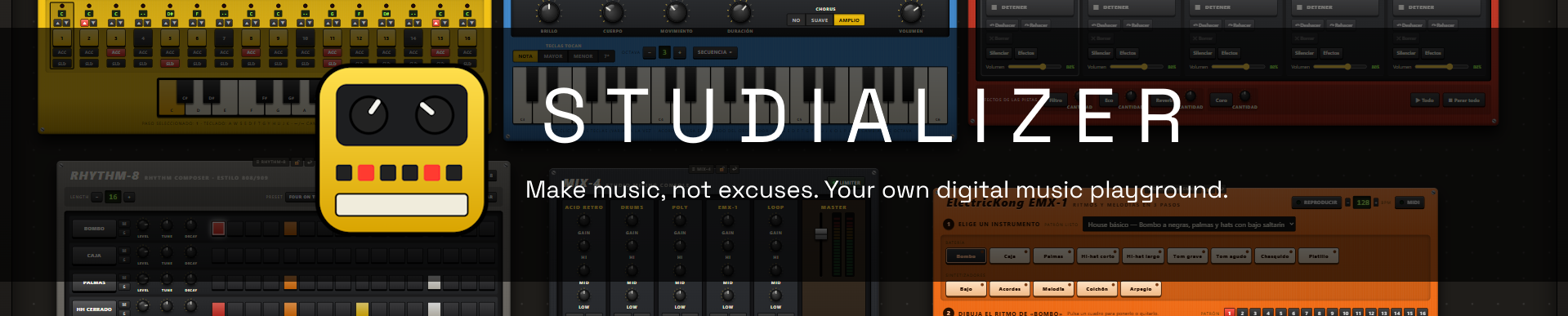
Studializer
A downloadable tool for Windows
What is Studializer?
Studializer is an independent music production software project built around a simple idea: what if you could have an entire collection of electronic instruments on your desk, without actually having to buy them?
Inspired by classic synthesizers, drum machines, samplers, and other pieces of music hardware, Studializer brings different instruments together into one interactive digital workspace.
Instead of navigating endless menus and complicated windows, you can drag instruments from the Toybox onto your workspace, experiment with their controls, create patterns, and combine different sounds.
Whether you're interested in electronic music, psychedelic experiments, live performances, or just making something completely ridiculous, Studializer gives you a place to explore.
You don't need to be a professional musician to start.
The Instruments
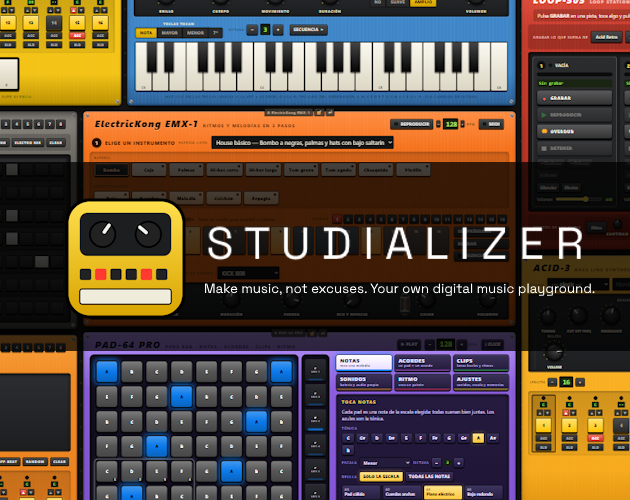
Studializer includes a growing collection of digital instruments, each with its own personality, controls, and musical possibilities.
Instrument List:
ACID-3 Retro
A classic-style monophonic bass synthesizer built for acid basslines, repetitive sequences, and experimental electronic sounds.
Its simple controls let you shape the character of your bass, experiment with resonance, and create evolving patterns.
POLY-106
A polyphonic synthesizer inspired by the warm character of vintage analog instruments.
Create chords, atmospheric pads, melodies, and dreamy textures. Particularly useful for synth-pop, ambient music, and psychedelic compositions.
RHYTHM-8
A classic-style drum machine for building electronic rhythms.
Program kicks, snares, hi-hats, and percussion patterns to create everything from simple grooves to energetic dance beats.
ELECTRICKONG EMX-1
A groovebox combining rhythm programming, sequencing, and electronic sound manipulation.
Designed for building layered patterns and experimenting with live electronic arrangements.
LOOP-505
A loop station that lets you build musical layers and experiment with repeating sounds.
Designed for musicians who enjoy improvisation, building arrangements gradually, and combining different musical ideas.
The instrument collection will continue to expand as Studializer develops.
Simple and Advanced Modes
Not everyone wants the same level of complexity.
That's why Studializer offers two different ways to interact with its instruments.
Simple Mode focuses on accessibility, with cleaner interfaces and controls that are easier to understand.
Advanced Mode provides a more detailed, hardware-inspired experience for users who enjoy experimenting with individual controls and learning how electronic instruments work.
Both modes are part of the same workspace, so you can choose the experience that works best for you.
A Digital Music Playground
Studializer is designed around experimentation.
You can arrange your instruments on a virtual table, build patterns, combine different sounds, and gradually develop your own musical ideas.
The goal isn't to tell you how music should be made.
It's to give you the freedom to discover what happens when you start playing.
Sometimes you'll create something beautiful.
Sometimes you'll create something terrible.
And sometimes, the terrible thing might turn into something interesting.
That's part of the fun.
Why Did I Make Studializer?
Studializer started because of my brother.
He's a software engineer who loves experimenting with electronic instruments. He wanted to explore different pieces of music hardware, but was very confusing everything.
That made me wonder:
What if I could build those instruments in software instead?
Not just a collection of sounds, but something that actually felt like interacting with the equipment itself.
Something you could put on a virtual desk, play with, learn from, and experiment with.
At first, it was simply something I wanted to make for him.
But as the project grew, I started thinking about everyone else who might want to make music without spending hundreds or thousands of dollars on equipment.
I also wanted to create something that didn't make beginners feel like they needed to understand an entire recording studio before making their first sound.
I believe creativity shouldn't be limited by how much money you have, how much equipment you own, or how much experience you've accumulated.
Maybe someone will use Studializer to make their first beat.
Maybe someone will discover that they actually enjoy producing music.
And maybe someone will make something completely unexpected with it.
That's why I'm building it.
Special thanks to Juanelv, whose passion for music inspired this entire project.
Development and the Future
Studializer is currently an independent project under active development.
The current version provides a functional music-making environment with a collection of instruments and tools for experimentation.
Future development aims to expand the instrument collection, improve the music production workflow, refine instrument behavior, and introduce additional creative possibilities.
My long-term goal is to make Studializer a complete and approachable music-making environment while preserving what makes it different: the feeling of having your own collection of electronic instruments right in front of you.
A Note About Development
Studializer is an independent project and is not affiliated with or endorsed by the manufacturers of the hardware that inspired its instruments.
I wanted to make creativity flow a little more freely around the world.
Studializer is my attempt at making that happen.
Make something. Even if it sounds terrible at first.
Free Demo and Full Version
Studializer is available as a free demo, allowing everyone to explore its instruments, experiment with sounds, and create music without spending anything.
The demo is also a way to try Studializer before buying it. I want you to experience what the software has to offer, discover how it works, and decide whether it's actually something you enjoy using before spending your money.
A paid version will also be available as a one-time purchase, with no subscriptions or recurring fees.
For now, both versions will offer a very similar experience. The paid version isn't about locking away creativity behind a paywall. It's an opportunity to support Studializer's development while getting access to future improvements and additional content as they're released.
As Studializer grows, the full version is planned to receive more instruments, features, and creative possibilities.
You don't have to pay to start making music, and I don't want you to feel pressured into buying something you're not sure you'll enjoy.
Try the demo, experiment, make something weird, and see if Studializer is for you.
If you like what you experience and believe in what I'm building, purchasing the full version is a great way to support its future.
Try it first. Enjoy it. Then decide if it's worth your money.
Download demo
Leave a comment
Log in with itch.io to leave a comment.